

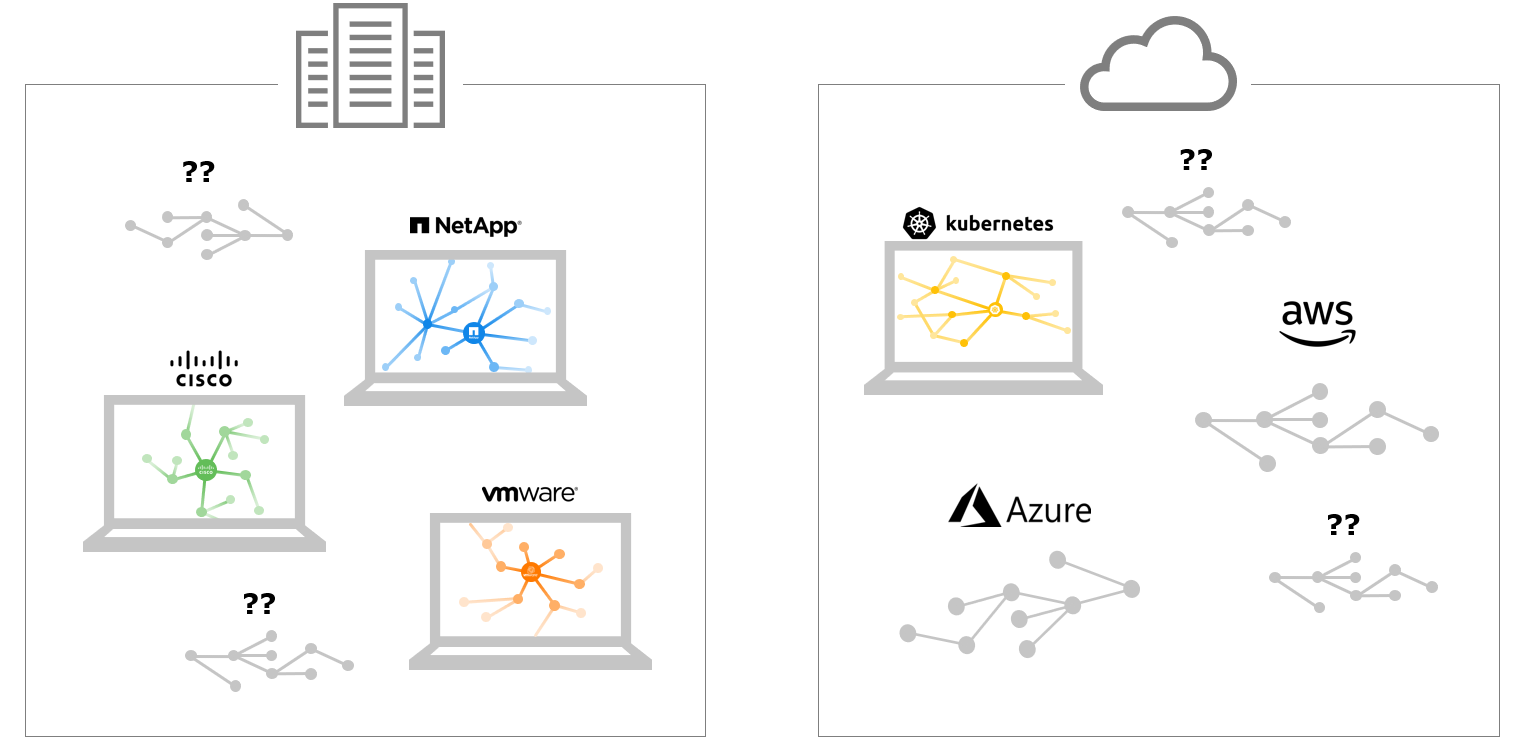
Traditional Siloed Monitoring Approaches Cause Visibility Gaps
IT environments today are rapidly shifting to a hybrid state comprised of private and public clouds, and a mishmash of monolithic and containerized, microservice-based application architectures. Forrester cites 33% of enterprises already have 20+ monitoring tools. Adding more domain-focused tools to the mix complicates things further. Why? Disconnected tools and datasets lead to incomplete visibility, and costly delays in the resolution of service-impacting issues.
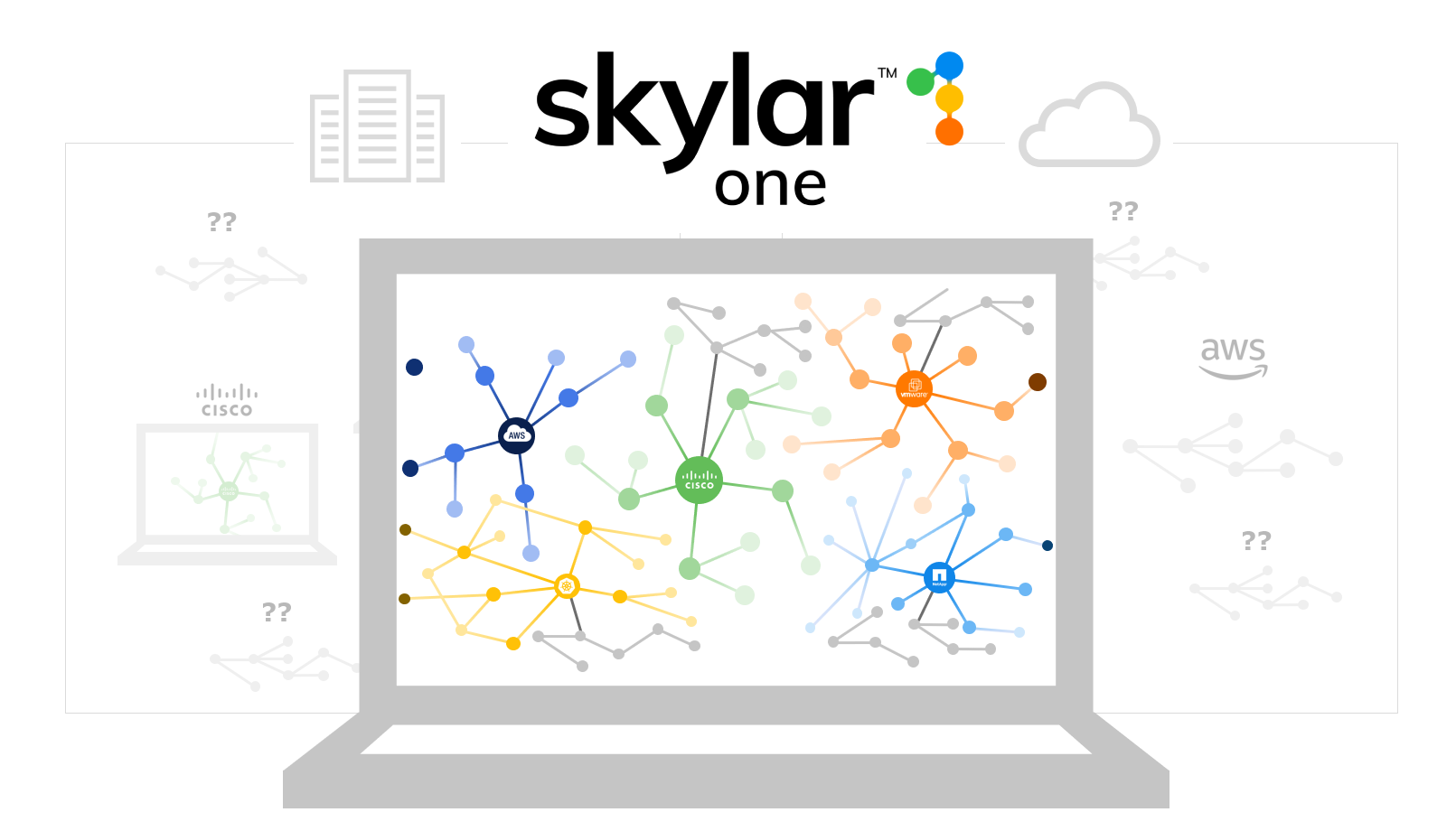
ScienceLogic Eliminates Visibility Gaps in Hybrid Cloud
Some of Our Customers



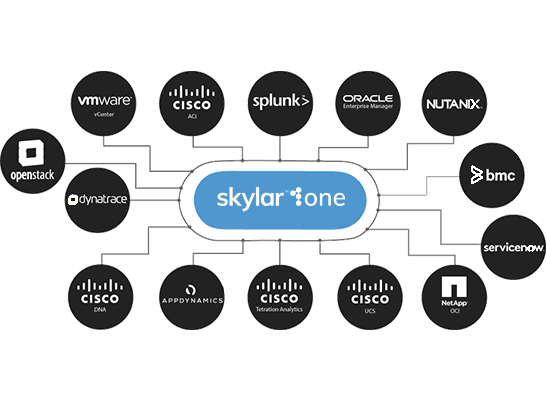
Keep Pace With Your Business—Monitor Any Technology. Any Vendor. Anywhere
- Combine datasets from 500+ technologies across your hybrid IT ecosystem into a real-time operational data lake using our integration library or build your own using our low-code Dynamic App Builder.
- Monitor public clouds, serverless and microservices-based technologies, virtualization solutions, software-defined networks, servers, storage, IoT, unified communications, and more.
- Eliminate blind spots now—and in the future—as your IT environment rapidly and continuously evolves to incorporate new technologies.
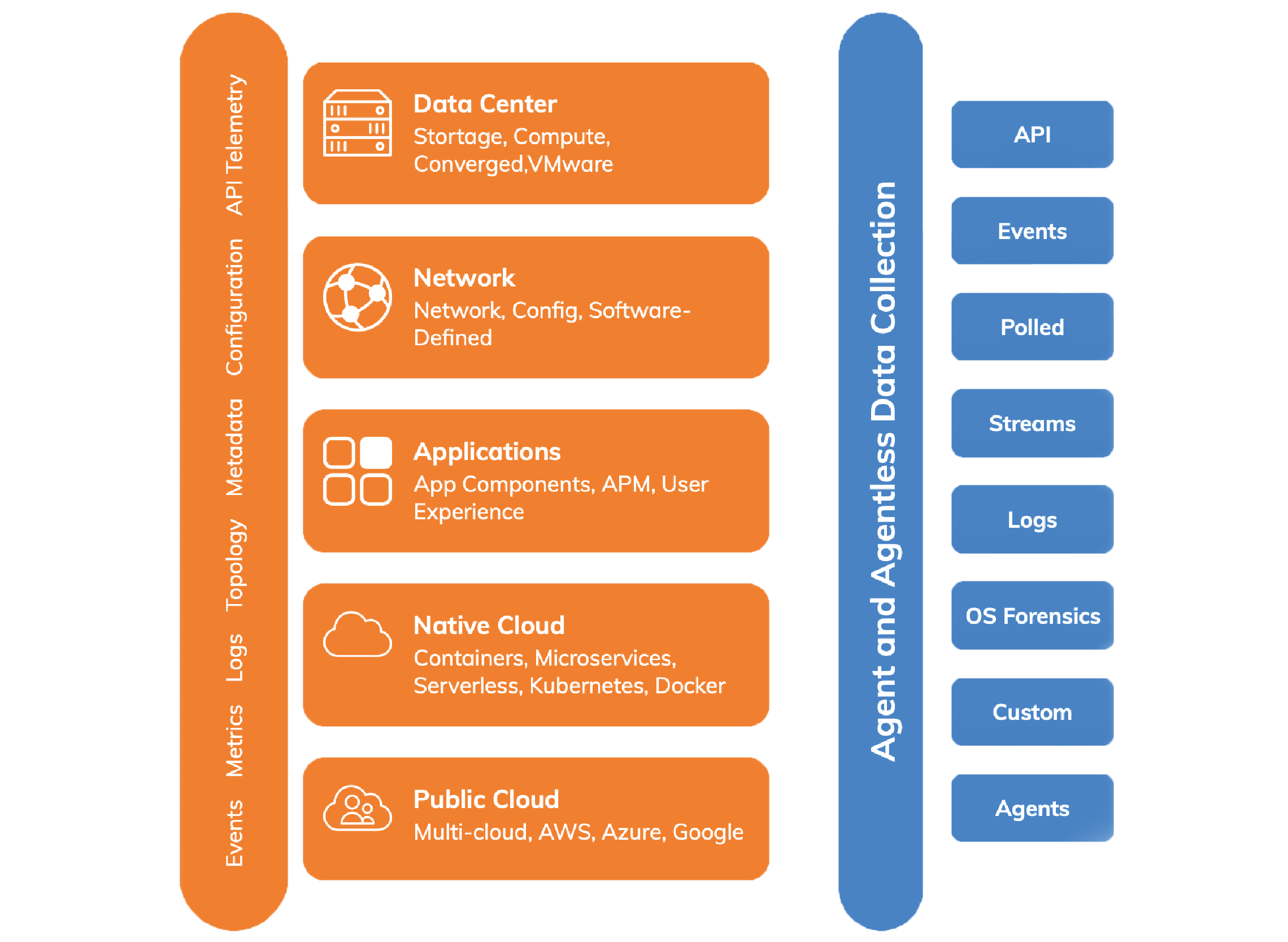
Discover, Collect, & Fuse Data Into a Real-Time Operational Data Lake
- Automatically discover physical, virtual, and software-defined infrastructure and applications across your hybrid IT universe.
- Collect, merge, and normalize a wide variety of data and metrics including performance, availability, logs, config, change, events, and topology from your apps, infrastructure, network, and third-party systems (APM, ITSM, etc.).
- Leverage agentless and agent-based collection mechanisms such as SNMP, SSH, Python-based Snippets, APIs, and more.
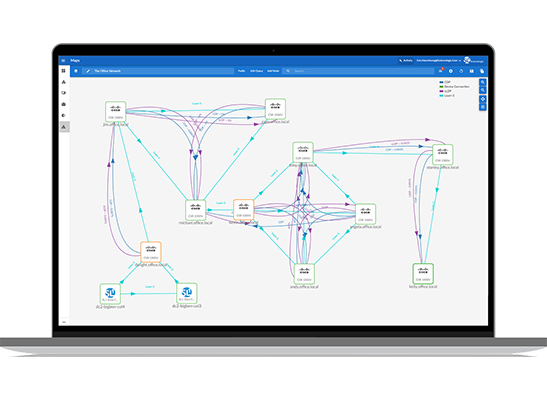
Maintain Complete Visibility Across Your IT Estate
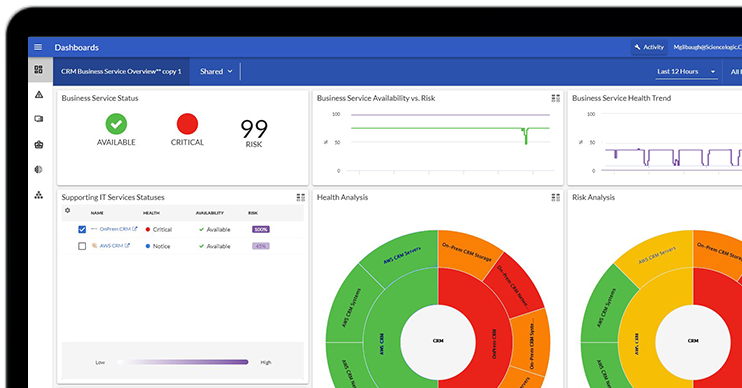
- Gain real-time operational insights through configurable dashboards, maps, and reports.
- Quickly assess impact, zero in on root cause, and remediate incidents through data-driven dashboards and automated workflows.
- Synchronize data from your operational data lake with the rest of your IT management ecosystem (CMDB, CI/CD, provisioning, BI/Analytics, and more).
Hybrid Cloud Complexity: One Platform for Monitoring
Success Stories
Hundreds of customers already trust ScienceLogic.
Here's why.
50 Tools Consolidated
Reduce complexity to streamline operations, lower costs, and increase agility.

Ready to Learn More?
Too much IT data? See how you can get context with the ScienceLogic AI Platform.
Fill out the form to request a customized demo.